How to Set up Two-Factor Authentication on Snapchat?
Snapchat offers sign-in verification (two-factor authentication) as an optional feature that helps keep your account more secure.
Steps to set-up two- factor authentication on Snapchat
- 1. Open Snapchat on your device.

2. Touch the ghost icon at the top of your camera’s screen.
3. Touch the configuration gear in the upper right corner of your profile screen.
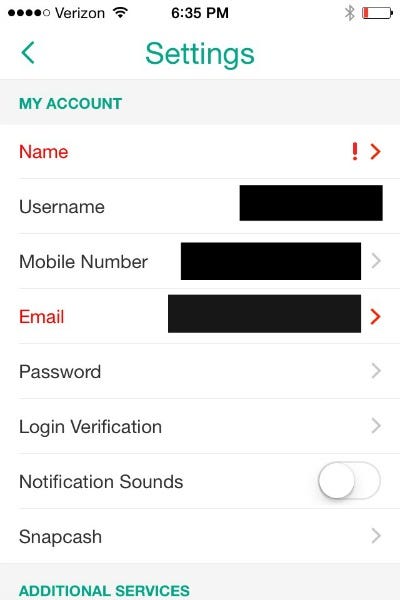
4. Touch ‘Check login’ in the ‘My account’ section.
5. Press the “Continue” button.
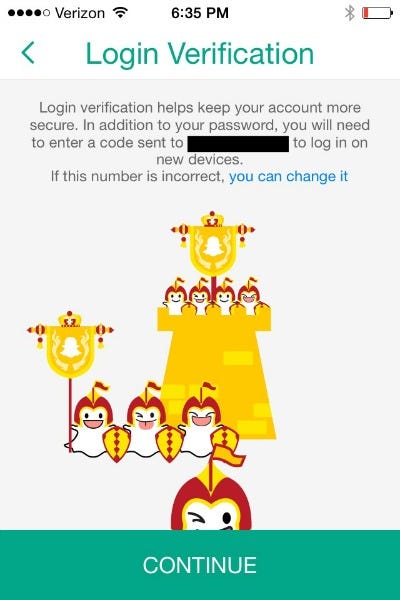
6. Enter the verification code sent to your mobile phone and touch ‘Continue’

7. Once you have completed the sign-in verification process, your device will remain a verified device until you choose to forget it.